Ideal For
Teams with cluttered CRMs, agencies inheriting client data, and anyone with a spreadsheet nobody wants to touch.

Duplicates, broken formats, old contacts and half-filled columns make every report and campaign harder than it should be. Our researchers clean your data by hand: removing duplicates, fixing formats, flagging out-of-date records and leaving you with a list you can trust.
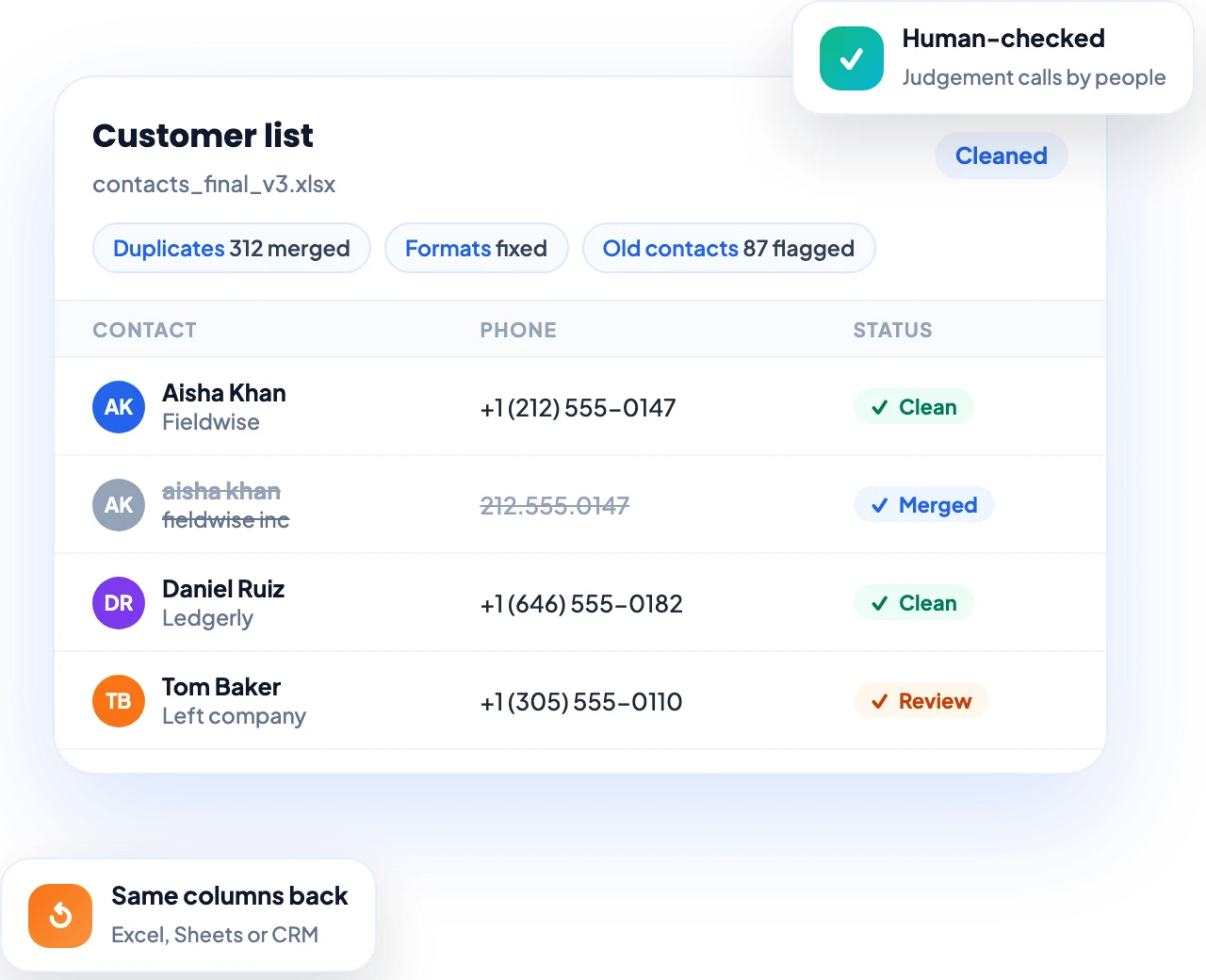
The same company appears three times, phone numbers are in five different formats, half the contacts have left their jobs, and nobody trusts the numbers in the report. Every campaign and every decision built on that data starts at a disadvantage.
Our data cleaning is done by trained people, not just a script. We work through your CRM export, spreadsheet or mailing list, fix what is wrong, flag what needs a decision, and return it in the same format, ready to use.
Teams with cluttered CRMs, agencies inheriting client data, and anyone with a spreadsheet nobody wants to touch.
One clean version of your data: no duplicates, consistent formats and clear flags on records to review.
Reports you can trust, fewer bounced emails, and less time fixing data by hand.
Find and merge duplicate contacts and companies, keeping the most complete and recent details.
Consistent names, phone numbers, addresses, dates and job titles across every row.
Flag people who have changed jobs and contacts that no longer work, so you can update or remove them.
Work from your CRM export and return it in the same columns, ready to import back without breaking anything.
Excel and Google Sheets tidied up: structure, columns, formulas and formatting that your team can work with.
Remove duplicates and flag bad addresses before a campaign, to protect your sender reputation.
Rules handle the obvious fixes; people make the judgement calls a script gets wrong.
Clean a single file, or keep a dedicated person on your account to keep your data clean every week.
Our team works 24/7 across time zones, so large cleanups keep moving overnight.
Share roughly how many records you have, where they live (CRM, spreadsheet, mailing list) and what is causing problems. We'll reply with the best way to clean them and next steps.
Thanks. We have your details and the team will reach out soon with the best next step.
We will get back to you within the next 24 hours.
Explore Services
Clean the data before importing it into a new CRM, so you don't carry old problems across.
Clean the mailing list first, to cut bounces and protect deliverability.
Agencies and new managers taking over a list or CRM that nobody has maintained.
When the numbers in reports don't match, clean data is usually the fix.
It means fixing the problems in your existing data: removing duplicates, making formats consistent, and flagging or updating records that are out of date.
Yes, the two terms mean the same thing: making your data accurate, consistent and free of duplicates.
Yes. We work in Excel, Google Sheets and CRM exports, and return the file in the same format.
Yes. We clean a small sample first so you can check the result before we do the full file.
Yes. Once the data is clean we can fill in missing emails, phone numbers and company details. See our data enrichment services.
You can start hourly with no commitment, or move to a monthly retainer for ongoing cleanup. See our pricing page or book a free call for a recommendation.